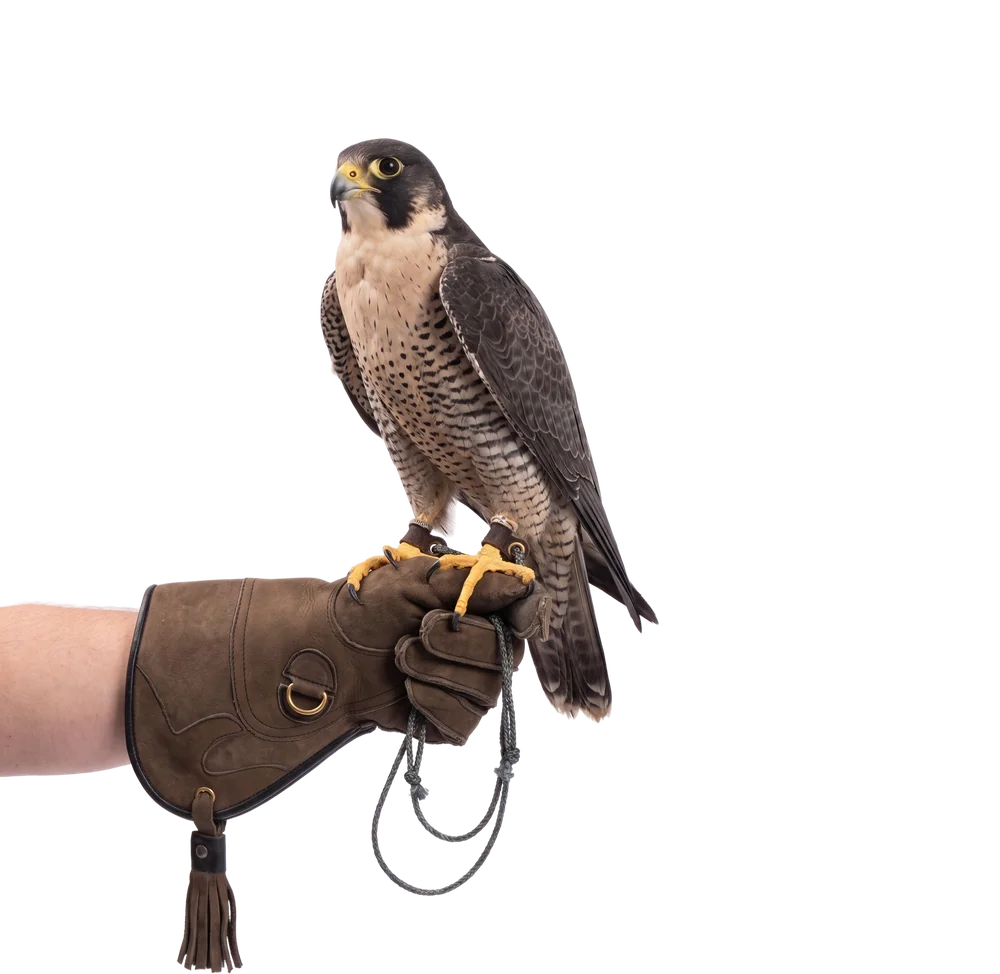
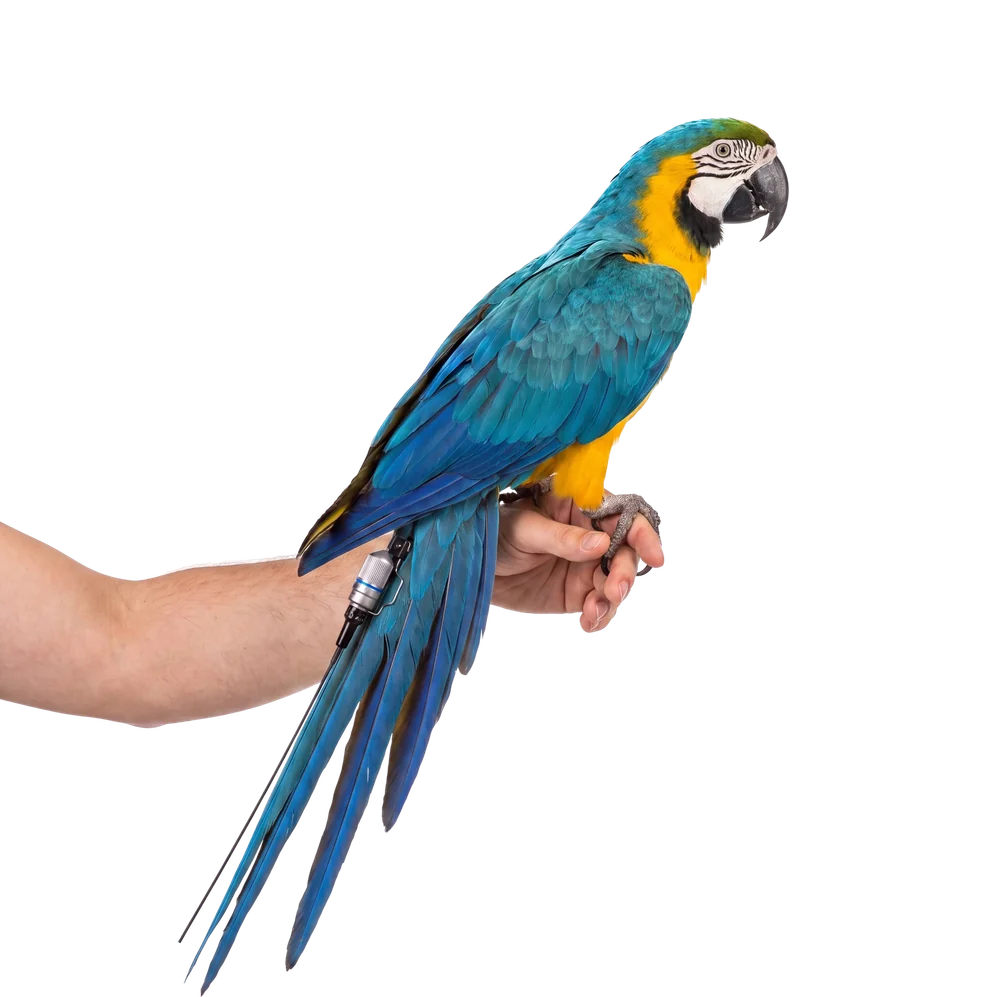
All New
GPS ProAll New
GPS Pro
The Blue Original
GPS

All New
GPS ProThe Blue Original
GPSAeroVision7 uses the iPhone location for your position, the red dot, and the heading toward the bird. While Using the App turns the phone location off when AeroVision7 is in the background or the screen locks. After you come back, every number that uses your location can be wrong for several minutes.
Open Settings.
Tap Privacy & Security.
Tap Location Services. Leave the switch at the top on.
Scroll down the app list and tap AeroVision7. The row may say While Using until you change it.
Under Allow Location Access, tap Always.
Turn Precise Location on. The switch is under the four choices.


On an iPad, open the same screens. With those set, AeroVision7 keeps an accurate position while it is connected to a PocketLink, even in the background. Heading and distance depend on that position.
Marshall recommends two transmitters on the bird. Use the GPS as the primary. Add a long-life beeping transmitter as the backup. A Marshall ultra high frequency transmitter lasts 5 to 10 days and is a good backup. The default beep frequency is 434.005 megahertz.
On factory settings the GPS transmitter runs 2 to 3 days. It tracks live for about 4 hours in Economy, or about 2 hours in High definition. The screen may show the letters ECO or HD. At 60 percent battery it switches to Reserve on its own.
In Reserve, the position updates once an hour. You can change that interval. The same position is sent again every few seconds for the rest of that hour. A faster Reserve update uses the battery sooner. A slower update makes it last longer.
You can also pinpoint the transmitter with a Field Marshall ultra high frequency receiver, on the default 434.005 megahertz, or on the frequency you selected. That works in Economy, extended mode, and Reserve. High definition falls back to Economy if the transmitter flies out of range.
While you are still in range, you do not have to wait for Reserve. You can send a battery-saving mode from AeroVision7.
Stretch the time between GPS updates. You can set it from 2 minutes to 12 hours. The screen may show the letters EXT. Overnight, 15 or 30 minutes is a good choice. If the bird moves in the dark, the last coordinate is never older than the interval you set.
For a bird roosted in a known place that will stay there. Always set a wake time. While asleep, the transmitter sends no GPS position and no radio beeps. It wakes into the last mode, so command Economy or extended mode before you command Sleep. Waking into High definition uses the battery quickly.
The long recovery mode. A yellow dot means Reserve is on. An ultra high frequency receiver can track the beeps between updates. Commanding extended mode, Economy, or High definition cancels Reserve. Then set the Reserve percent lower, for example 30 percent, so it can start again if the recovery continues.
The Reserve percent is your ceiling. The default, 60 percent with 1-hour updates, gives the longest total run, 2 to 3 days. A lower percent, or faster updates, shortens it.
In hills or mountains, go to the highest ground you can.
Lift the PocketLink on a drone, as high as you can. Any signal it hears is delivered to AeroVision7 when the PocketLink is back in Bluetooth range.
Add a high-gain omni antenna, or an ultra high frequency yagi, to the PocketLink.
Listen for the beep with your Field Marshall ultra high frequency receiver.
Extends GPS tracking range by 2 to 3 times.

Up to 5 times the ground tracking range, and it pinpoints the bird between GPS updates.

For the PocketLink as well. After 8 hours or more, restart it and connect it to AeroVision7 again.


Learn the GPS and the ultra high frequency gear before the day you need them. Practice a recovery with a friend.
If the bird is out overnight, leave the PocketLink running near the roost, for example at the base of the tree. That lowers the transmitter power use and keeps a record of the last GPS update. It syncs to AeroVision7 when you connect again. More on Reserve mode is in the tutorial videos and the GPS runtime PDF.
Work down this list. Stop when you have a fresh position or a clear beep.
The dot stays colored but the position does not update. You are in range, and the transmitter is in Reserve, extended mode, or Sleep. Command Economy or High definition if you need a live position.
The dot is grey and the PocketLink light flashes white slowly. You are out of range. Go higher. Use a drone, a high-gain omni antenna, or an ultra high frequency yagi. Listen with a Field Marshall receiver.
The PocketLink light flashes amber. Data arrived. Wait for the next scheduled update.
Reserve will not come back. Commanding extended mode, Economy, or High definition cancels Reserve. Set the Reserve percent lower, for example 30 percent, so it can start again.
Sleep used the battery quickly. Sleep wakes into the last mode. Command Economy or extended mode before Sleep. Always set a wake time. While asleep there is no position and no beep.
The PocketLink has been on for 8 hours or more. Put in fresh batteries, restart it, and connect again.
We make every effort to ship all in-stock items within 24 hours of receiving your order. If an item is out of stock, Marshall Radio will contact you via phone or email to provide an estimated shipment date.
We ship via the carrier you specify at checkout (UPS, USPS, or FedEx). Marshall Radio reserves the right to upgrade your shipping or change carriers, provided it does not increase the total transit time of your order. Note: We offer free shipping on purchases over $1,000 within the United States.
For any shipment that is returned to us as undeliverable, all freight and shipping charges will be the responsibility of the customer.
Once your order is processed and handed to the designated carrier (UPS, USPS, or FedEx), you will receive tracking information based on the carrier's standard notification system. If you have questions about an existing order's status, please contact us.
Remove any dirt, debris, or buildup accumulated from the previous hawking season before packing your gear away.
Store all equipment in a cool, dry area where it remains safe from dust, dirt, and grime accumulation.
Take out batteries before storage, lightly clean the contacts using rubbing alcohol on a cotton swab, and wipe down the exterior with a damp cloth.
Inspect antennas carefully and replace any unit that is kinked, damaged, or exposing internal metal filaments.
Store batteries in a cool, dry place—using vapor-proof containers in humid areas—and isolate them so they cannot touch, short-circuit, or overheat.
Charge all rechargeable batteries to 100% prior to long-term offseason storage in addition to keeping them in a cool, dry location.
Ship your equipment within 3–4 weeks of purchasing service; unreceived items without an update will be automatically refunded by week 4, requiring re-payment if sent later.