All New
GPS ProAll New
GPS Pro
The Blue Original
GPS

All New
GPS ProThe Blue Original
GPSMode. High definition is more accurate than Economy. This is the largest choice you control. The screen may show the letters HD or ECO.
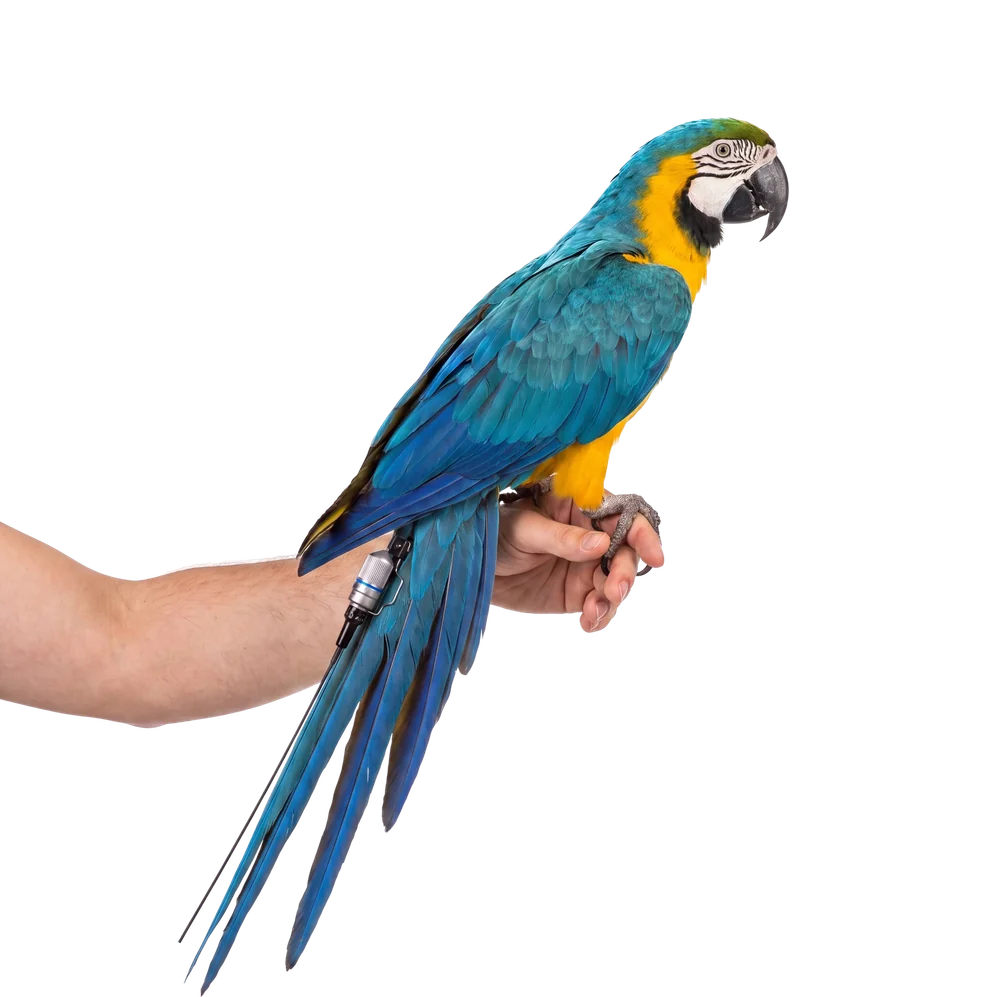
Mount. Back, tail, leg, or neck. Higher and clearer is better.
Time since the first lock. How long the GPS has been running that day.
Sky. Cloud, leaves, or a roof overhead. Buildings and hills around you.
Satellites that day. How many are in view, and where they sit.
Your latitude. Closer to the equator, the satellites spread out more.
What the bird is doing. Flying is better than sitting in a tree or on the glove. The air is better than the ground.
The phone or tablet. Its own location has to be accurate.
Give the transmitter the best first lock, every day.
Start AeroVision7.
Turn on the PocketLink and wait until its light flashes white slowly.
Go outside, with a clear view of the sky, and install the battery.
Set the transmitter on something that does not move, with open sky above it. Let it find the satellites, then leave it there for 5 minutes so every satellite in view is locked.
After those 5 minutes, put the transmitter on the bird and fly.
Use the mount that matches the hardware on your transmitter.


The most accurate mode. The screen may show the letters HD. Use it for a drone flight or when you want a precise record. It makes a clean track for 3D replay.
About half the power. The screen may show the letters ECO. It trades some accuracy for a longer run. Use it for hunting and recovery, when battery life matters more than exact speed and height.
AeroVision7 uses the iPhone location for your position, the red dot, and the heading toward the bird. It also uses that location for pitch when altitude is set to Above Me. While Using the App turns the phone location off when AeroVision7 is in the background or the screen locks. After you come back, every number that uses your location can be wrong for several minutes.
Open Settings.
Tap Privacy & Security.
Tap Location Services. Leave the switch at the top on.
Scroll down the app list and tap AeroVision7. The row may say While Using until you change it.
Under Allow Location Access, tap Always.
Turn Precise Location on. The switch is under the four choices.


On an iPad, open the same screens. With those set, AeroVision7 keeps an accurate position while it is connected to a PocketLink, even in the background. Heading and distance depend on that position.
The more accurate reading during a flight. It uses only the GPS inside the transmitter. Choose it when you want the best altitude.
Useful if you drive or change height during a flight. It is a live difference against the phone. It is always less accurate than Above Start.

Work down this list. Stop when the positions look steady.
The track jumps or the height looks wrong. Take the battery out and start again outside. Set the transmitter on something that does not move, with the antenna pointing away from you. Wait 5 minutes before you put it on the bird.
You started it in a car, in a building, or while holding the antenna. Take the battery out. Start again under open sky. Do not hold the antenna while it searches.
The numbers look wrong after the phone was locked. Open Settings, then Privacy and Security, then Location Services, then AeroVision7. Under Allow Location Access, tap Always, and turn Precise Location on. While Using the App turns the phone location off in the background.
Altitude looks off while you drive. Use Above Start. Above Me follows the phone and is less accurate.
The fix is weak when the bird is on the ground. A leg mount is shaded on the ground. A TrackPack keeps the antenna clear.
We make every effort to ship all in-stock items within 24 hours of receiving your order. If an item is out of stock, Marshall Radio will contact you via phone or email to provide an estimated shipment date.
We ship via the carrier you specify at checkout (UPS, USPS, or FedEx). Marshall Radio reserves the right to upgrade your shipping or change carriers, provided it does not increase the total transit time of your order. Note: We offer free shipping on purchases over $1,000 within the United States.
For any shipment that is returned to us as undeliverable, all freight and shipping charges will be the responsibility of the customer.
Once your order is processed and handed to the designated carrier (UPS, USPS, or FedEx), you will receive tracking information based on the carrier's standard notification system. If you have questions about an existing order's status, please contact us.
Remove any dirt, debris, or buildup accumulated from the previous hawking season before packing your gear away.
Store all equipment in a cool, dry area where it remains safe from dust, dirt, and grime accumulation.
Take out batteries before storage, lightly clean the contacts using rubbing alcohol on a cotton swab, and wipe down the exterior with a damp cloth.
Inspect antennas carefully and replace any unit that is kinked, damaged, or exposing internal metal filaments.
Store batteries in a cool, dry place—using vapor-proof containers in humid areas—and isolate them so they cannot touch, short-circuit, or overheat.
Charge all rechargeable batteries to 100% prior to long-term offseason storage in addition to keeping them in a cool, dry location.
Ship your equipment within 3–4 weeks of purchasing service; unreceived items without an update will be automatically refunded by week 4, requiring re-payment if sent later.


Tail Mount
Spring clip attached to a Tail Piece on a deck feather — mounting method of choice in Gulf countries.

Leg Mount
Leather bewit around the tarsus (ankle) — the oldest & most widely used method.

TrackPack
Teflon harness in figure-8 pattern around body — transmitter mounts on back between shoulders. Select Leg Mount for your option and use a suitable TrackPack - sold separately

EZ-Mount
Simple one handed installation for leg mounts